iPhone · iPhone Duo · iPad
Available on the App Store. Check the listing for compatible devices and OS versions.
Download on the App StoreA video player for all your screens, making local and NAS video smoother.
Available for iPhone, iPhone Duo, iPad, Android and Mac.Windows is in development.
Free normal playback · 10-minute Smooth trial
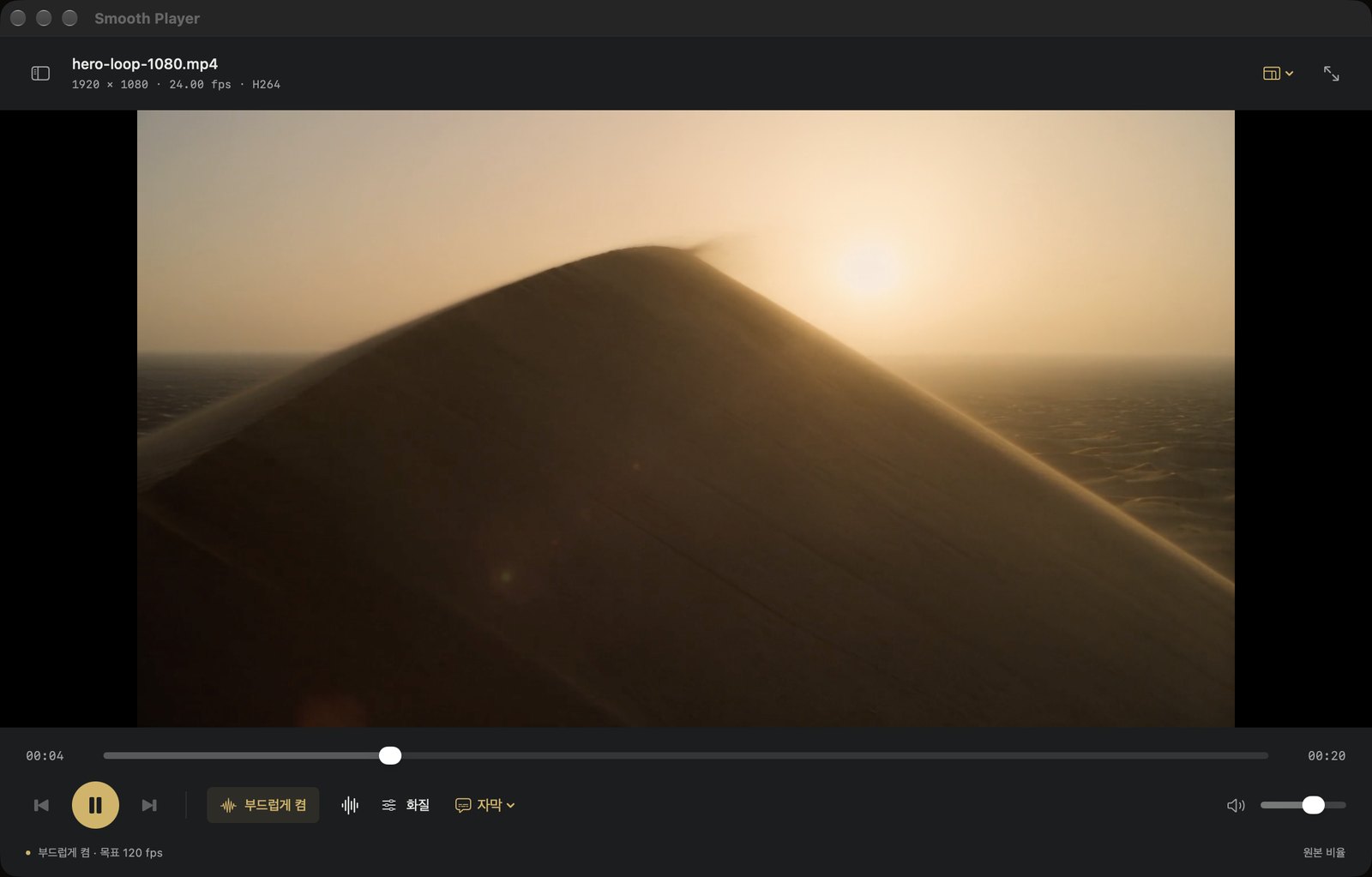
From the motion in a single scene to the sound that fills the room. Take a look at the real Mac app.
Explore the sound ↗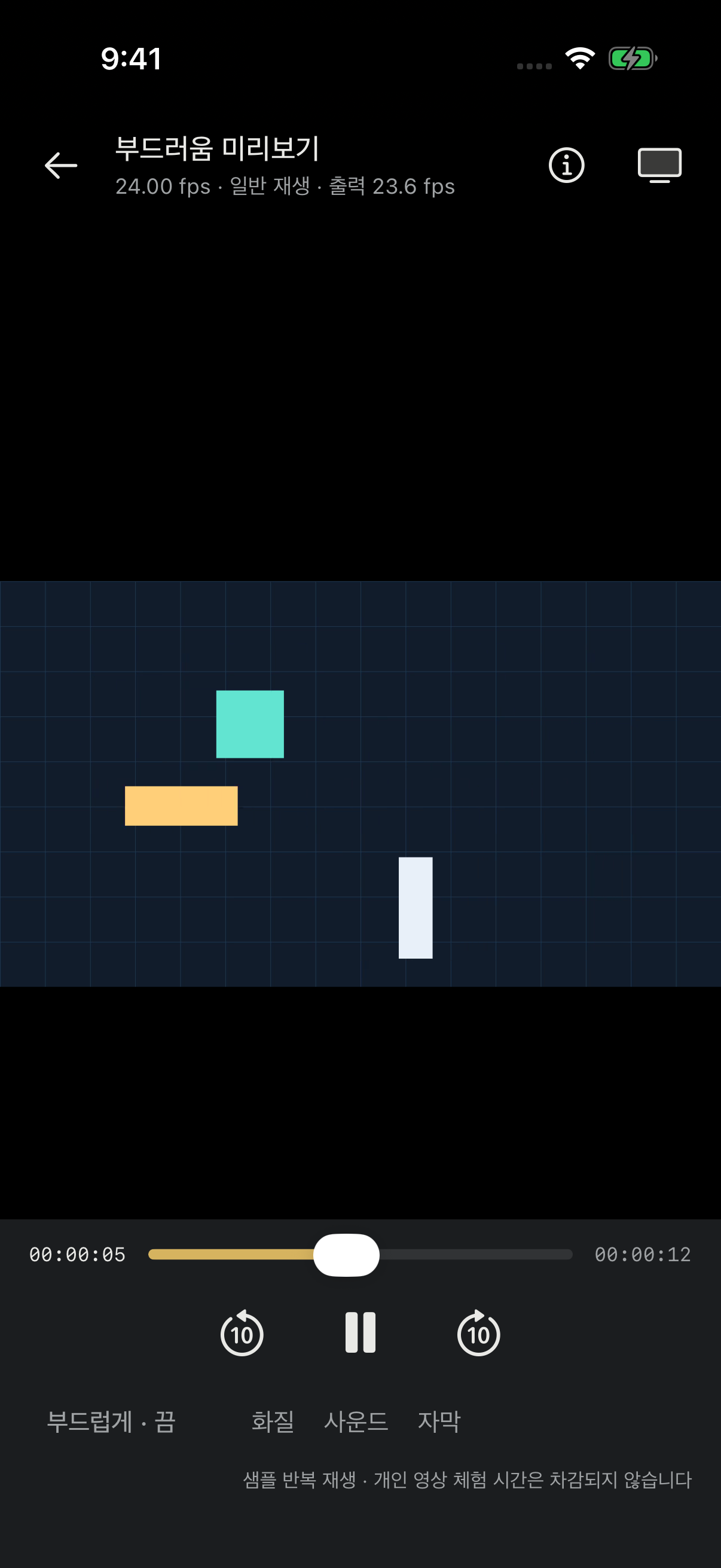 Mobile app · Available on the App Store and Google Play
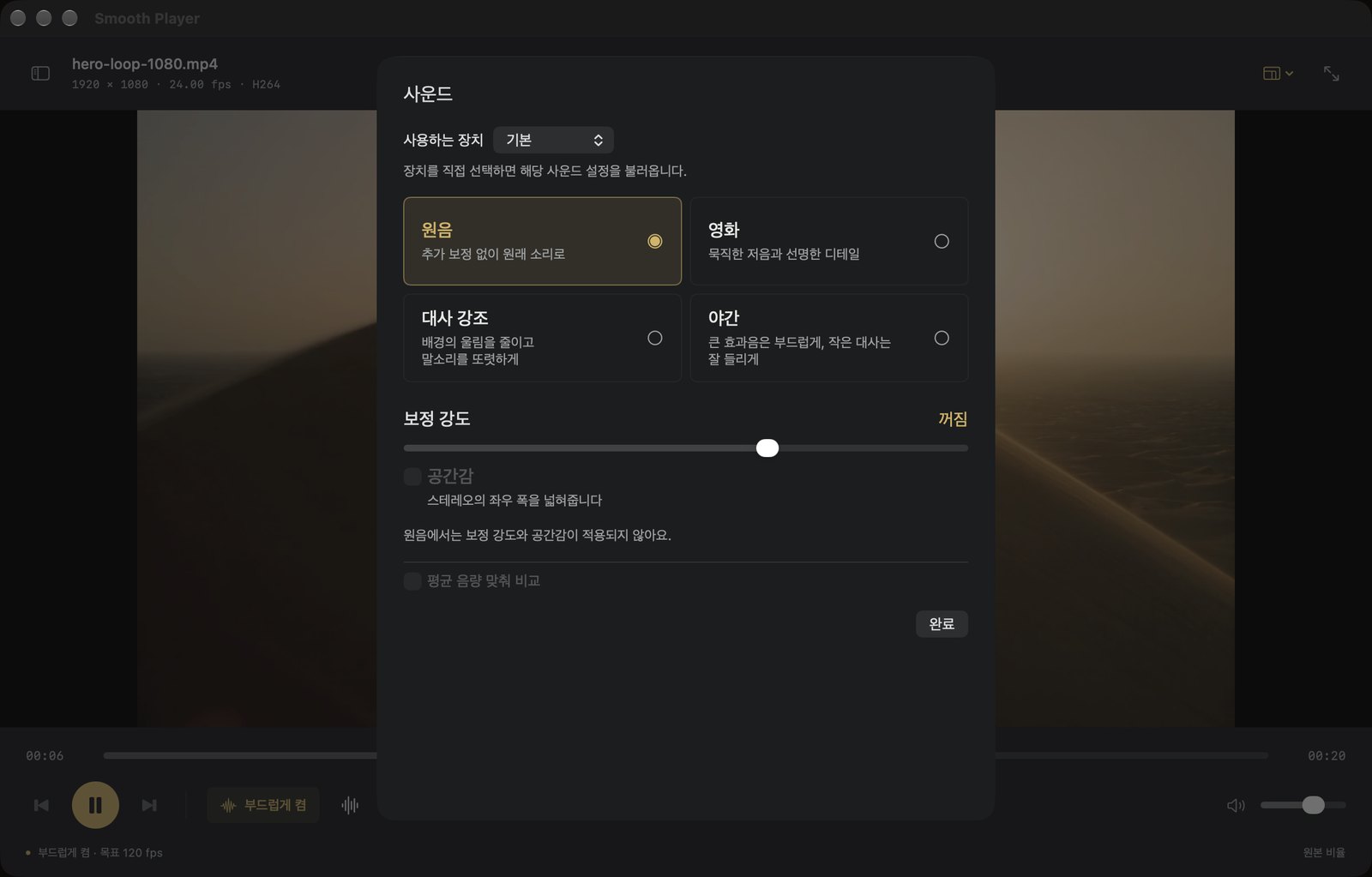
From the original mix to Cinema, Dialogue boost and Night mode. Adjust the sound to where and how you are watching.
Check each store for mobile compatibility. The detailed playback specifications and app screenshots below refer to the Mac version distributed on this website.
Interpolation, picture and sound results vary by video and device; a specific frame rate or picture quality is not guaranteed. You can check with the free trial before buying.
Choose the App Store, Google Play or the Mac installer for your device. Windows is in development.
Available on the App Store. Check the listing for compatible devices and OS versions.
Download on the App StoreAvailable on Google Play. Check the listing for device compatibility.
Get it on Google PlayApple Silicon Mac (M1 or later) · macOS 15 or later
Intel Macs are not supported by this installer.
If an earlier version is running, quit it first. Your existing settings and video files are not deleted.
Smooth Player plays local and NAS video on iPhone, iPhone Duo, iPad, Android and Mac, with frame interpolation and sound enhancement on supported devices. Windows is in development. The app does not provide video content.
Normal playback is free and needs no account. Smooth playback requires a license after a cumulative 10-minute free trial. Available products, final prices and billing currency are shown on your platform’s purchase screen. Normal playback remains free after the trial.
iPhone, iPhone Duo and iPad versions are on the App Store; Android is on Google Play. The Mac installer requires Apple Silicon (M1 or later) and macOS 15 or later; Intel Macs are not supported. Windows is in development. Check each mobile store listing for device and OS compatibility.
Video files in MP4, MKV, MOV, M4V, AVI, WebM, TS, MTS/M2TS, MPEG/MPG and WMV, decoded by the app's own FFmpeg-based decoder (H.264, HEVC, VP9, AV1 and others). Subtitles in SRT, SMI, ASS/SSA and VTT; a subtitle file with the same name in the same folder is linked automatically. Not every file and codec combination is guaranteed to play.
Add your NAS to the app as an FTP server, browse its folders and play videos directly from it, including seeking, without copying them to your Mac. Only passive-mode FTP is supported; FTPS and SFTP are not. FTP is an unencrypted connection, so use it on a trusted local network. The server password is stored in your Mac's Keychain and, if you log in with email, synced to your account in encrypted form along with the NAS settings. For SMB shares, mount the share in Finder and open the files as local files.
Normal playback of local video starts right away, with no login. Logging in, license checks, web checkout and NAS sync need an internet connection. The frame-interpolation model is built into the app, so nothing extra is downloaded. A purchased license is re-checked online; temporary offline use is allowed for up to 24 hours after the last check.
Smooth playback generates frames to match your display's refresh rate: the target is 120 fps on a 120 Hz display and 60 fps on a 60 Hz display. It works on SDR video; HDR video is excluded. Video larger than 1920×1080 is processed at 1080p-equivalent size. If your Mac can't keep up with frame generation, playback falls back to normal playback automatically. The actual frame rate depends on the video and the Mac, so 120 fps is a target, not a guarantee.
HDR video (PQ and HLG) is converted to SDR for normal playback. HDR tone mapping and Dolby Vision are not supported, and Smooth playback cannot be turned on for HDR video.
Email nodelabskr@gmail.com with your device model, OS version, app version, the feature that failed and the steps to reproduce it. Questions about licenses and payments go through the support page on the account website (in Korean).
Get the iPhone, iPhone Duo and iPad app on the App Store, or the Android app on Google Play. The App Store version is not currently available in France.
The player in the first screen is a concept visual. The Mac windows in the feature sections are actual screens from the Mac app (version 0.1.21), and the phone screens are from the mobile app. Details may differ by version.
Installation and playback problems: email us. License and payment questions: the support page on the account website.